
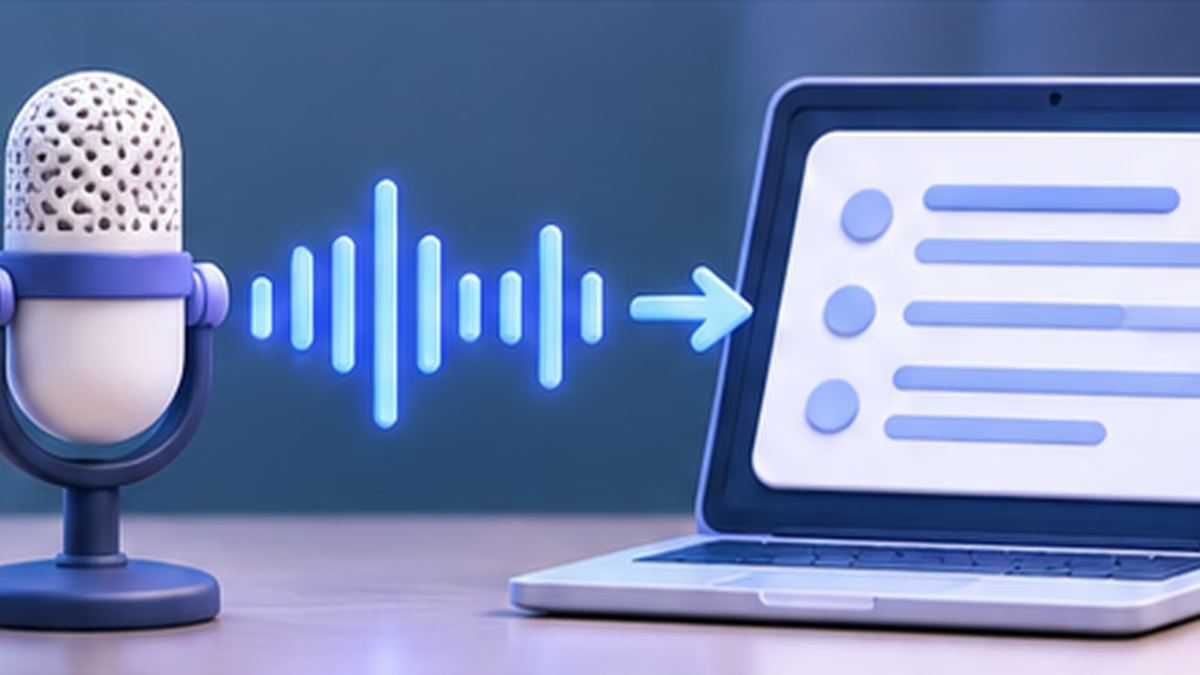
TL;DR. AI transcription converts speech into written text using automatic speech recognition. Choose a transcription tool by matching the recording type, language, export format and privacy requirements to the product. Review names, numbers, speaker attribution and technical terms against the audio before treating the transcript as a reliable record.
Which AI transcription tool should you choose?
The right transcription tool depends on whether you need text from an existing audio file, a record of a live meeting, captions for a video or an API for a larger workflow. A meeting assistant may combine transcription and action items, while a media editor may provide an editable transcript linked to the recording. A developer API can give you more control over how the transcript enters another system.
A useful comparison starts with the desired output: a plain text transcript, a speaker-labeled interview, timed subtitles or a reviewed meeting summary. A tool that excels at one of these jobs is not automatically appropriate for all the others. Consider the language, recording quality, file size, permission to record and whether you need to process the material locally.
| Tool or workflow | Useful starting point | Verify |
|---|---|---|
| Otter.ai | Meeting transcripts and searchable notes | Export formats and account settings |
| Descript | Editing recorded audio and video | Caption export and language support |
| Noota | Meeting notes and summaries | Recording permissions and current plan |
| Speech-to-text API | Automated processing of authorized files | File limits, data policy and model selection |
Otter's conversation export documentation describes text, audio and subtitle exports and notes that options vary by plan. OpenAI's file transcription guide distinguishes completed recordings from real-time audio and documents supported inputs. These references describe provider features; they do not establish a measured accuracy ranking.
How does automatic speech recognition work?
Automatic speech recognition, often called ASR, transforms a recorded speech signal into a sequence of words. Contemporary systems use learned representations of audio and language to infer text from patterns in the sound. They may also add punctuation and capitalization, but those formatting choices are predictions rather than a guarantee of what the speaker intended.
Transcription differs from translation. Transcription attempts to preserve the language that was spoken; translation renders the meaning in another language. Speaker diarization identifies which portions of the recording are associated with different speakers. Diarization does not necessarily identify a person's actual name, and the system can assign the wrong label when people interrupt each other.
| Term | Meaning |
|---|---|
| ASR | Automatic conversion from speech to text |
| Diarization | Grouping speech by speaker |
| Timestamp | A time reference to a segment or word |
| SRT | A text subtitle format with timing information |
| WER | Word error rate, a measure of transcript differences |
How do you transcribe an audio recording step by step?
Start with a recording you are authorized to process, choose the correct language and select the output you need. Confirm that the source is complete and audible before uploading it. If the tool requires an account or a cloud upload, make sure the service is approved for the type of information in the recording.
For a fictional interview about a community garden, imagine two speakers discussing a May 12 planting date, a 200-dollar materials budget and the name of a street. Create a short practice recording with those details and a few interruptions. This provides a controlled sample for evaluating a transcription workflow without exposing actual personal information.
- Save the original recording and give it a stable file name.
- Upload it to an approved tool or process it locally.
- Select the language and any supported context hints.
- Request the required output, such as a text transcript or timed captions.
- Listen to the recording while reviewing names, dates, amounts and unclear words.
- Save the corrected transcript alongside the original and retain only what your policy requires.
How can you measure transcription accuracy?
Word error rate provides one quantitative way to compare the words in an automated transcript with a reference transcript. It counts substitutions, deletions and insertions relative to the number of words in the reference. The result is useful for controlled comparisons, but it does not measure every issue that matters in a meeting or subtitle workflow.
Suppose an invented reference transcript contains 100 words. If the automated version substitutes four words, deletes two and inserts one, the word error rate is seven percent. This is a worked mathematical example, not a test result for any product. A single mistake in a payment amount could be more consequential than several missing filler words, even when the overall score is low.
Use two recordings with different conditions, such as a clean microphone recording and a conversation with interruptions. Keep the same reference transcript for each candidate tool. Review speaker labels and timing independently because a word-level score can remain unchanged even when every sentence is assigned to the wrong speaker.
What is speaker diarization and why does it matter?
Speaker diarization helps distinguish the turns of different speakers in a recording. It is useful for interviews, meetings and panel discussions, but the labels should be treated as provisional until checked. A system may identify Speaker A and Speaker B without knowing their identities, and overlapping speech can complicate the separation.
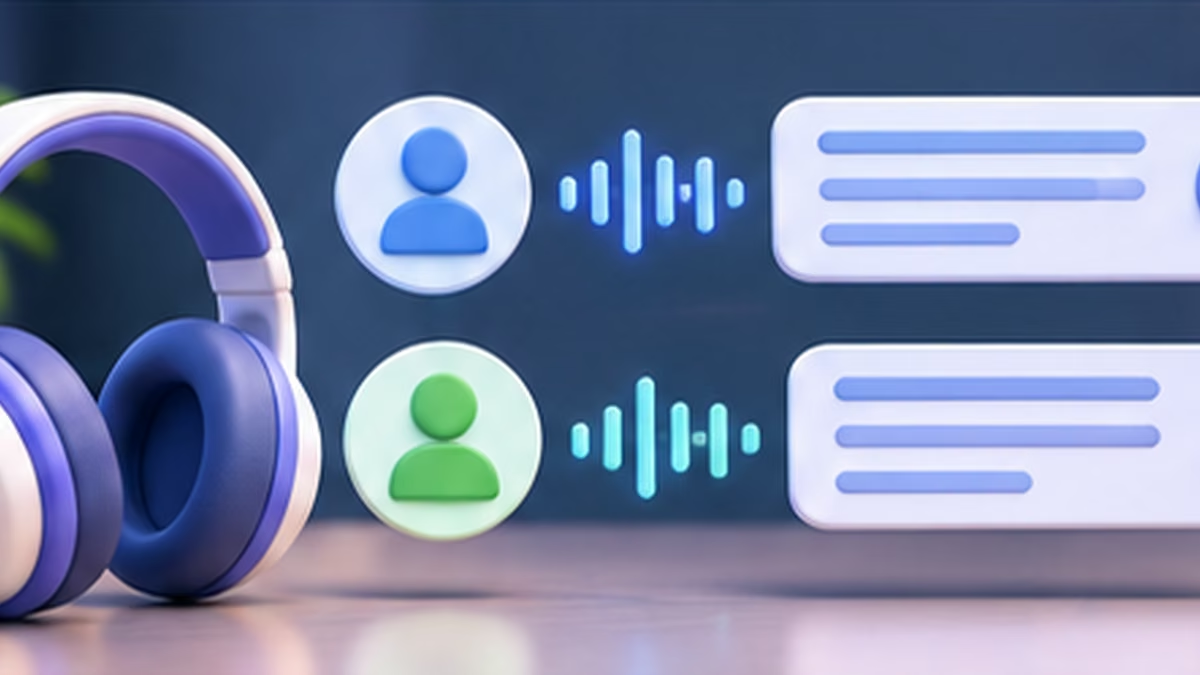
Original AI-generated 3D editorial illustration; the speaker labels are symbolic, not a measured result.
For an interview, review the beginning of each speaker's contribution and check transitions where one person interrupts another. When the transcript includes decisions, confirm who actually agreed to carry out a task. Do not turn an uncertain comment into a commitment merely because the summary tool assigned it to a named person.
Which transcription export format do you need?
Choose plain text for reading and editing, a timed subtitle format for video production, or structured output for automation when the provider supports it. Plain text is easy to copy but may lose timestamps. An SRT file preserves timed segments for captions, while a richer structured format may retain speaker identifiers and additional metadata.
Otter's summary export documentation separately explains exporting meeting summaries and action items. The destination determines the export requirements. A journalist may want time references for quotations; a video editor needs caption timing; a research team might need consistent speaker labels and a review record. Confirm that your selected plan allows the intended export before processing a large collection of recordings.
How should you choose a free transcription tool?
Start by checking the maximum file duration, monthly transcription minutes, export restrictions and language support. Free access is not always equivalent to unlimited transcription, and an advertised monthly allowance may apply differently to imported recordings and live meetings. Some products allow text export on a free plan but restrict timed captions to paid accounts.
Calculate the expected recording volume and review burden using your own data. A five-hour monthly archive with difficult background audio may require much more correction time than a five-hour collection of clear lectures. Compare the total effort required to obtain a usable, checked transcript. For related meeting tools, see Otter.ai alternatives.
How can you protect people when recording and transcribing?
Obtain appropriate authorization before recording, and use a service that complies with your organization's privacy requirements. Recording rules vary by jurisdiction and context, so do not assume that a meeting invitation automatically supplies consent. Inform participants about the recording and transcript distribution according to your applicable policy.
Limit access to original recordings and corrected transcripts. If the recording contains confidential information, decide whether it should be transcribed at all or whether a local or approved enterprise workflow is required. Set a retention period, restrict sharing permissions and remove sensitive material from any notes intended for a broader audience.
Frequently asked questions
Can AI transcribe audio into text for free?
Some services offer limited free transcription, and local software may be an option if you can operate it. Check language support, file limits and export permissions before choosing.
Can AI distinguish different speakers?
Some transcription systems support speaker diarization. Their labels can be wrong, especially during overlapping speech, so review the attribution before using the transcript as a record.
What is a good transcription accuracy score?
There is no universal acceptable score for every task. A transcript used for captions may have different requirements from a record containing exact names, financial values or decisions.
Can AI translate a transcript into another language?
Some products support translation as a separate operation. Translation can introduce errors of meaning even if the original transcription is accurate, so verify important passages in both languages.
Should I trust AI meeting summaries without reviewing the recording?
No. Check decisions, owners and deadlines against the source recording, especially when the meeting contains tentative suggestions or ambiguous commitments.
Where should you start?
Choose one authorized recording, define the required output and compare the transcript with a short human reference. Expand the workflow only after the accuracy, permissions and exports meet your needs. Explore the audio and voice tools directory for additional options.
For uploaded audio, compare TurboScribe and Cockatoo. The providers document different free allowances and advanced features; test the same authorized recording and check exports. See the transcription task selection.